
What is Navigate?
Navigate is a student success platform to serve as a central location for faculty, staff and students to connect with each other, services and resources across campus. The platform will be utilized to streamline student advising, course planning, class registration, monitoring degree progress, alerts, and student engagement through various forms of communication.
Navigate contributes to the Moon Shot mission to close student success equity gaps in the next ten years by centralizing student support services and giving access to relevant student information.
Access Navigate on Desktop
- Visit wcupa.navigate.eab.com
Download Navigate Student App
(mobile Navigate app is for students only)- Go to Google Play or the Apple App Store
- Search "navigate student" to install app
- Once installed, search for "West Chester University"
- Use your WCU username and password to log in
After you download the app- check out our WCU STUDENT MOBILE APP video to view the awesome features in Navigate!
Staff and Faculty: If you need a Navigate account, you must first attend an Intro to Navigate training session. To schedule your training or if you have any questions regarding your current Navigate account, please email Navigate@wcupa.edu.
QR codes for the Student App:

Apple Store

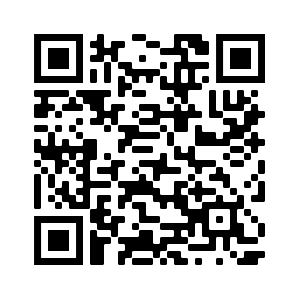
Google Play Store